Kodivian Technologies
Real Business Challenges. Practical Solutions. Successful Digital Transformation.
Company Overview
Business Background
Business Challenges
Challenges Kodivian Was Facing
Business Requirements
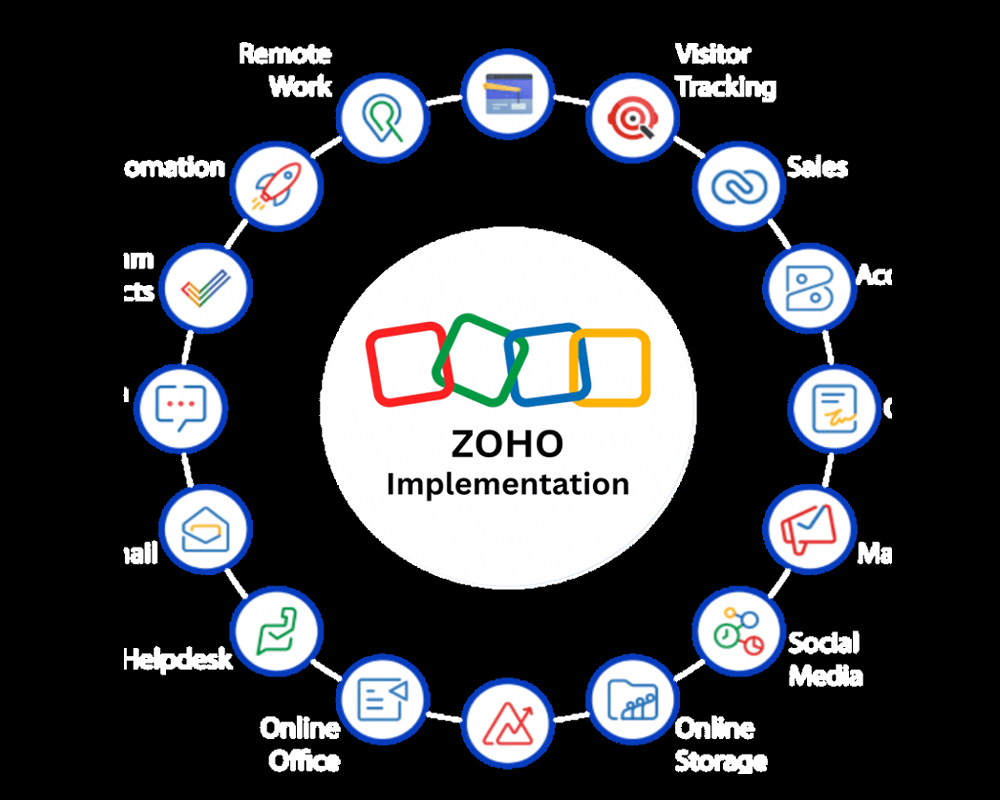
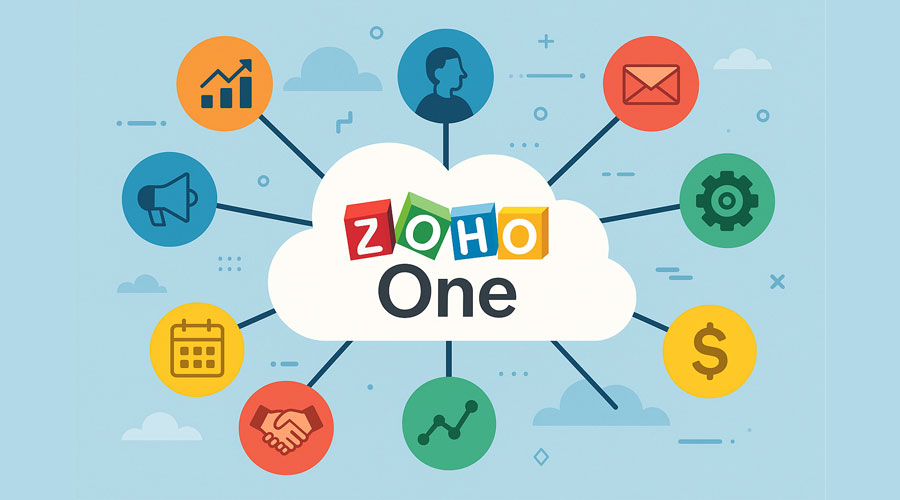
Kodivian wanted a centralized ERP-style ecosystem built on Zoho One, bringing CRM, HR, projects, document management, communication, and support onto one connected platform.
Modules Implemented
| Zoho CRM | Lead management, contact management, deal pipeline, sales process design, workflow automation |
| Zoho People | Employee records, leave management, attendance, core HR processes |
| Zoho Desk | Customer ticket management and support automation |
| Zoho Projects | Project planning, task management, time tracking |
| Zoho WorkDrive | Centralized document management, file sharing, version control |
| Zoho Cliq | Internal communication, department channels, notifications |
| Zoho Meeting | Online meetings and team collaboration |
| Zoho Mail | Business email setup and group mailboxes |
| Zoho SalesIQ | Website visitor tracking, live chat, lead capture |
Implementation Methodology
Requirement Analysis & Solution Design
Integration Strategy
Challenges During Implementation
Business Benefits
Results After Go-Live
- A single, unified business platform replacing disconnected tools
- Better cross-department collaboration
- Reduced manual work across HR, sales, and support
- Improved productivity company-wide
- Centralized reporting across CRM, HR, and projects
- Better customer engagement through connected CRM and Desk data
- Streamlined HR processes
- Secure, version-controlled document management
- Faster internal communication
- Higher overall operational efficiency
Our Implementation Framework
Every engagement we deliver — regardless of size or which Zoho applications are involved — follows the same underlying methodology. This consistency is what keeps projects predictable for clients and lets us bring lessons from one implementation into the next.
1 Discovery | 2 Requirements | 3 Analysis | 4 Solution Design | 5 Configuration | 6 Automation | 7 Testing | 8 Training | 9 Go-Live | 10 Support |
Discovery and requirement gathering set the foundation — understanding not just what a client asks for, but why, so the resulting configuration actually matches how people work. Business analysis and solution design translate those requirements into a concrete Zoho architecture. Configuration and customization build it; workflow automation removes manual steps; testing and UAT confirm it holds up under real use. Training and go-live bring users onto the new system, and support plus continuous improvement keep it working well after launch.
Our Implementation Approach
Every project we take on includes the same core practices, adapted to the client’s scale and industry:
- Requirement workshops with the teams who will actually use the system
- Gap analysis between current process and desired outcome
- Business process mapping before any configuration begins
- Best-practice recommendations drawn from prior implementations
- Careful configuration and, where needed, customization
- Structured testing and User Acceptance Testing
- Hands-on user training, by team and by role
- Clear documentation and knowledge transfer
- Hypercare support in the weeks following go-live